;}.cls-2{fill:url(%23Unbenannter_Verlauf_5-2);}.cls-3{fill:url(%23Unbenannter_Verlauf_5-5);}.cls-4{fill:url(%23Unbenannter_Verlauf_5-6);}.cls-5{fill:url(%23Unbenannter_Verlauf_5-3);}.cls-6{fill:url(%23Unbenannter_Verlauf_5-4);}%3c/style%3e%3clinearGradient%20id='Unbenannter_Verlauf_5'%20x1='1075.02'%20y1='943.06'%20x2='1201.78'%20y2='943.06'%20gradientUnits='userSpaceOnUse'%3e%3cstop%20offset='0'%20stop-color='%2322b88a'/%3e%3cstop%20offset='1'%20stop-color='%231a9e78'/%3e%3c/linearGradient%3e%3clinearGradient%20id='Unbenannter_Verlauf_5-2'%20x1='234.11'%20y1='663.43'%20x2='1058.29'%20y2='663.43'%20xlink:href='%23Unbenannter_Verlauf_5'/%3e%3clinearGradient%20id='Unbenannter_Verlauf_5-3'%20x1='843.79'%20y1='1064.84'%20x2='1096.04'%20y2='1064.84'%20xlink:href='%23Unbenannter_Verlauf_5'/%3e%3clinearGradient%20id='Unbenannter_Verlauf_5-4'%20x1='1120.37'%20y1='662.1'%20x2='1253'%20y2='662.1'%20xlink:href='%23Unbenannter_Verlauf_5'/%3e%3clinearGradient%20id='Unbenannter_Verlauf_5-5'%20x1='97.45'%20y1='265.53'%20x2='385.89'%20y2='265.53'%20xlink:href='%23Unbenannter_Verlauf_5'/%3e%3clinearGradient%20id='Unbenannter_Verlauf_5-6'%20x1='295.45'%20y1='255.64'%20x2='1213.95'%20y2='255.64'%20xlink:href='%23Unbenannter_Verlauf_5'/%3e%3c/defs%3e%3cpath%20class='cls-1'%20d='M1201.78,871c-.61,1.55-1.23,3.1-1.86,4.66-20.33,50.18-47.14,96.85-80.02,139.45-7.56-13.82-21.78-22.31-37.69-22.31h-7.19c29.82-37.26,54.46-78.02,73.61-121.8h53.15Z'/%3e%3cpath%20class='cls-2'%20d='M665.24,264.59l69.02,186.52c21.3,57.57,66.69,102.96,124.26,124.26l186.52,69.02c17.67,6.54,17.67,31.54,0,38.08l-186.52,69.02c-57.57,21.3-102.96,66.69-124.26,124.26l-69.02,186.52c-6.54,17.67-31.54,17.67-38.08,0l-69.02-186.52c-21.3-57.57-66.69-102.96-124.26-124.26l-186.52-69.02c-17.67-6.54-17.67-31.54,0-38.08l186.52-69.02c57.57-21.3,102.96-66.69,124.26-124.26l69.02-186.52c6.54-17.67,31.54-17.67,38.08,0Z'/%3e%3cpath%20class='cls-5'%20d='M1082.21,1021.98h-79.13c-1.7,0-2.97-1.56-2.62-3.23l22.72-109.35c2.94-14.16-15.11-22.74-24.23-11.51l-152.04,187.31c-7.32,9.02-.9,22.5,10.72,22.5h79.13c1.7,0,2.97,1.56,2.62,3.23l-22.72,109.35c-2.94,14.16,15.11,22.74,24.23,11.51l152.04-187.31c7.32-9.02.9-22.5-10.72-22.5Z'/%3e%3crect%20class='cls-6'%20x='1120.37'%20y='486.36'%20width='132.63'%20height='351.48'%20rx='19.58'%20ry='19.58'/%3e%3cpath%20class='cls-3'%20d='M250.58,128.27l13.88,55.81c7.19,28.91,29.76,51.47,58.66,58.66l55.81,13.88c9.29,2.31,9.29,15.51,0,17.82l-55.81,13.88c-28.91,7.19-51.47,29.76-58.66,58.66l-13.88,55.81c-2.31,9.29-15.51,9.29-17.82,0l-13.88-55.81c-7.19-28.91-29.76-51.47-58.66-58.66l-55.81-13.88c-9.29-2.31-9.29-15.51,0-17.82l55.81-13.88c28.91-7.19,51.47-29.76,58.66-58.66l13.88-55.81c2.31-9.29,15.51-9.29,17.82,0Z'/%3e%3cpath%20class='cls-4'%20d='M1213.95,453.21h-67.62c-1.23,0-2.47.04-3.67.12-27.03-63.89-65.84-121.36-115.42-170.94-51.54-51.54-111.61-91.44-178.55-118.59-64.67-26.22-133.03-39.52-203.16-39.52s-138.48,13.3-203.16,39.52c-33.73,13.67-65.72,30.61-95.75,50.63l-.19-.05c-23.62-5.88-42.51-22.85-51-45.24,37.87-26.86,78.65-49.21,122.01-66.79,72.63-29.44,149.37-44.38,228.08-44.38s155.45,14.93,228.08,44.38c75.2,30.51,142.67,75.31,200.53,133.15,57.84,57.85,102.65,125.33,133.15,200.53,2.31,5.7,4.54,11.43,6.66,17.19Z'/%3e%3c/svg%3e)
Why SuperSupport Doesn't Deploy Software to All Devices
New version on all 50 PCs by chat with an AI? SuperSupport is deliberately not a tool for fleet-wide software deployment. Rollouts belong in RMM or Intune.

Installing a program on one computer is support. On a hundred, it is deployment.
“Please roll out the new version of the accounting software to all computers.” An AI agent that runs on every device could technically do that. SuperSupport deliberately does not, just as the agent doesn't reset passwords, doesn't create users, doesn't change firewall rules and doesn't restart servers.
One device yes, all devices no
SuperSupport helps one employee with one problem on their device. If a program is missing, an update is stuck or the app won't start, the agent checks exactly that device and solves the problem there.
Software deployment is device management: one version to many devices, on a schedule, with testing, rings and reporting. There are tools for that, and that's a good thing.
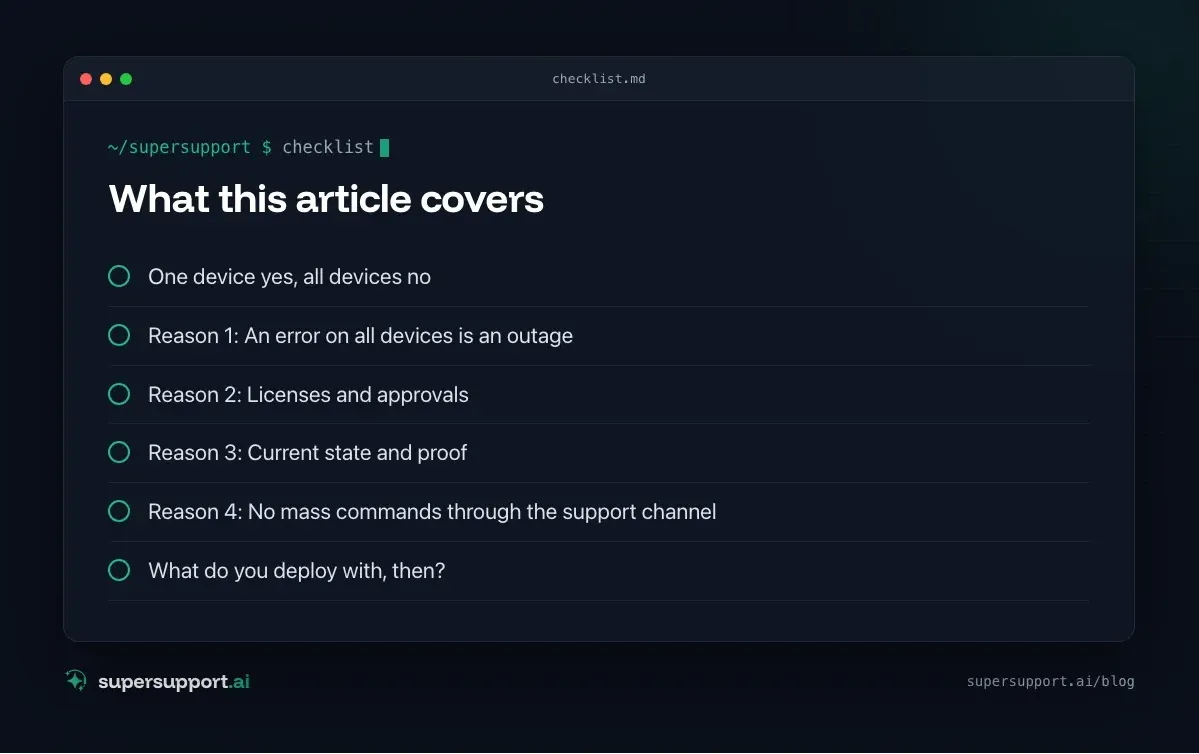
Reason 1: An error on all devices is an outage
A faulty update on one PC is a ticket. On all PCs it is a standstill. That is why rollouts are distributed in rings: first a test group, then a department, then everyone. See Patch management for small and midsize businesses. A chat command “to all” skips exactly this safeguard.
Reason 2: Licenses and approvals
Not every piece of software is allowed on every device. Licenses are limited, some programs are approved only for certain departments, and some require a privacy review. IT decides which software goes where. See also Shadow AI in the company for the risk of unvetted tools.
Reason 3: Current state and proof
Whoever deploys has to know what is installed where. Device management and RMM keep an inventory, show failed installations and deliver reports for auditors and insurers. That is their strength, and SuperSupport doesn't need to rebuild it.
Reason 4: No mass commands through the support channel
A support channel through which commands can be triggered on all devices at once would be an attractive target. SuperSupport works per device and per case, with a log and approval for anything risky, not as a deployment system.
What SuperSupport does instead
- Program is missing on one device – checks whether it is approved; installs what is approved or submits the installation to IT for approval
- Update is stuck – reads the update history and error code, checks for a pending restart and free disk space; see Windows Update fails
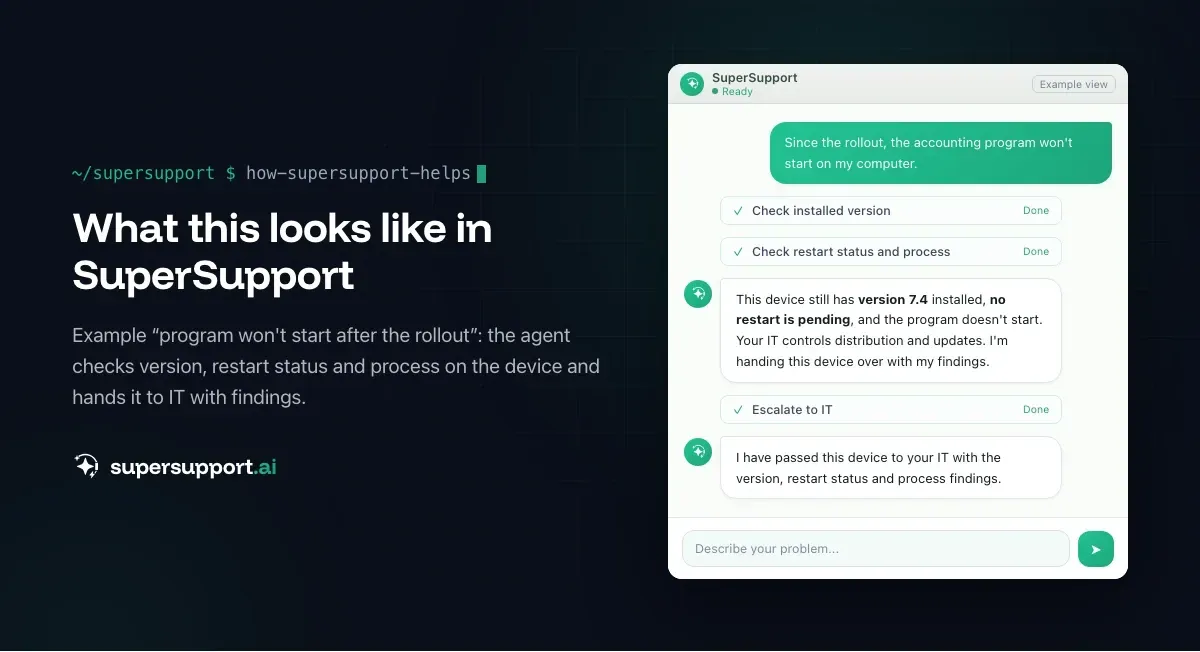
- Program doesn't start after the rollout – checks version, processes and logs; see App won't start
- “Do I have all the updates?” – checks Windows, macOS and programs; see Are all updates installed?
- Several devices with the same problem – groups the cases and passes the affected devices to IT
That way, after a rollout IT doesn't get “it doesn't work for some people” but a list of devices with findings.

Beta
IT support that fixes itself.
supersupport.ai handles your 1st-level support fully automatically. Secure your spot on the waitlist now.
Join the WaitlistWhat do you deploy with, then?
- Microsoft Intune: Win32 apps, Microsoft Store apps, update rings. See Intune alternative or complement.
- RMM platforms used by the IT provider: see NinjaOne, Datto RMM, Atera.
- MDM for Macs: see Jamf alternative or complement.
SuperSupport complements these tools on the employee side: it takes care of the one device that doesn't work after the rollout.
What does SuperSupport offer?
SuperSupport handles 1st-level IT support by chat, right on the Windows or Mac device: the agent handles safe tasks itself, submits anything risky to IT for approval, logs every step, and every chat is also the case. What that looks like for internal IT teams and MSPs is described on their respective pages.
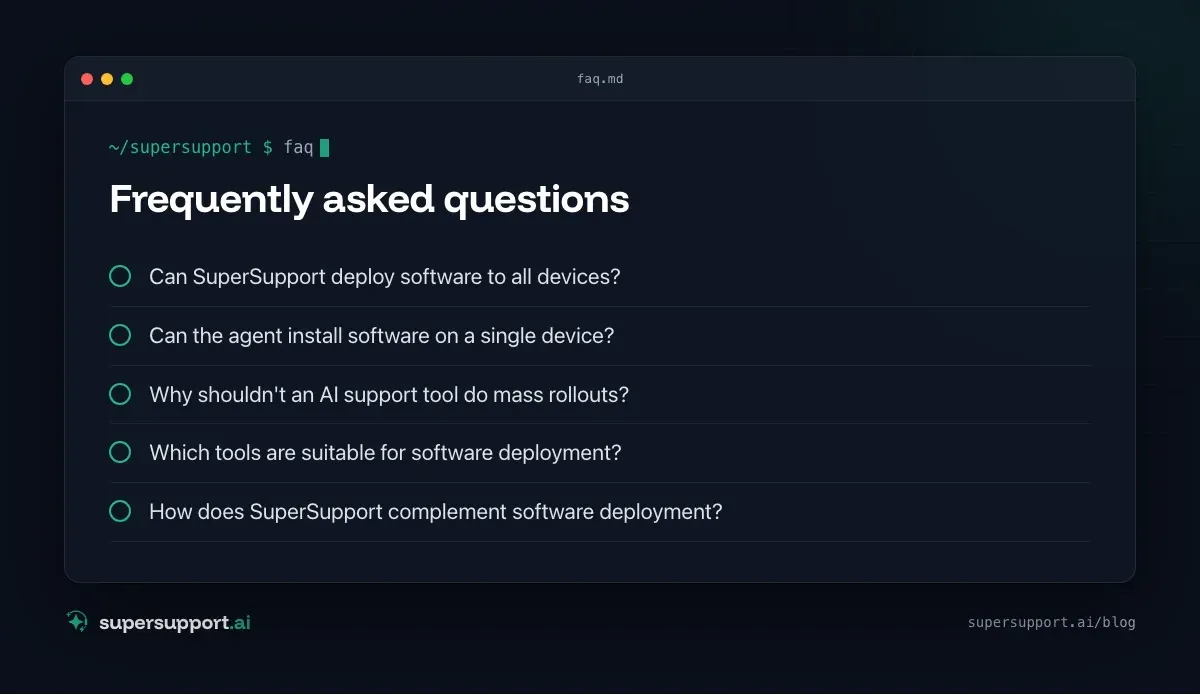
Frequently asked questions
Can SuperSupport deploy software to all devices?
No, deliberately not. SuperSupport helps individual employees on their own device. For fleet-wide distribution of software and updates there are tools such as Intune, RMM platforms or software distribution systems, which are built for it, with testing, rings and reports.
Can the agent install software on a single device?
If it is safe or IT has approved it, yes, for example an approved program from the Company Portal or a missing update. Installations that need administrator rights or aren't approved, it submits to IT for approval.
Why shouldn't an AI support tool do mass rollouts?
Because a faulty update on all devices at once can bring the whole company to a halt. Rollouts are tested, distributed in rings, monitored and stopped if problems appear. That is the job of device management, not of a chat.
Which tools are suitable for software deployment?
Microsoft Intune with Win32 apps and update rings, RMM platforms used by IT providers, classic software distribution, or an MDM for Macs. They deploy by rules, document the current state and report errors.
How does SuperSupport complement software deployment?
If something doesn't work on a device after a rollout, the agent checks there which version is installed, whether a restart is pending and whether the program starts, and passes IT specifically the devices that have problems.
Beta
IT support that fixes itself.
supersupport.ai handles your 1st-level support fully automatically. Secure your spot on the waitlist now.
Join the WaitlistTimo Haslberger is Co-Founder & CPO of SuperSupport.ai. He owns the entire product experience: from first user interaction to automated problem resolution. Before co-founding SuperSupport.ai, he saw firsthand how IT teams drown in repetitive tickets. Today he's building the product that changes exactly that.
This article was created with AI assistance and editorially reviewed.
Related Articles
Why SuperSupport Doesn't Restart Servers
Restart servers, reconfigure services, install updates by chat with an AI? SuperSupport deliberately stays out of servers. Why that isn't 1st-level work.

Why SuperSupport Does Not Change Firewall Rules
Open a port or change the VPN via AI chat? SuperSupport deliberately stays out of firewalls and routers. Why, and what the agent does from the workstation.
Why SuperSupport Does Not Take Over Your Screen
Some AI agents click through the screen like a human. SuperSupport does not take over mouse and keyboard but runs targeted, logged checks. Why it is safer.