;}.cls-2{fill:url(%23Unbenannter_Verlauf_5-2);}.cls-3{fill:url(%23Unbenannter_Verlauf_5-5);}.cls-4{fill:url(%23Unbenannter_Verlauf_5-6);}.cls-5{fill:url(%23Unbenannter_Verlauf_5-3);}.cls-6{fill:url(%23Unbenannter_Verlauf_5-4);}%3c/style%3e%3clinearGradient%20id='Unbenannter_Verlauf_5'%20x1='1075.02'%20y1='943.06'%20x2='1201.78'%20y2='943.06'%20gradientUnits='userSpaceOnUse'%3e%3cstop%20offset='0'%20stop-color='%2322b88a'/%3e%3cstop%20offset='1'%20stop-color='%231a9e78'/%3e%3c/linearGradient%3e%3clinearGradient%20id='Unbenannter_Verlauf_5-2'%20x1='234.11'%20y1='663.43'%20x2='1058.29'%20y2='663.43'%20xlink:href='%23Unbenannter_Verlauf_5'/%3e%3clinearGradient%20id='Unbenannter_Verlauf_5-3'%20x1='843.79'%20y1='1064.84'%20x2='1096.04'%20y2='1064.84'%20xlink:href='%23Unbenannter_Verlauf_5'/%3e%3clinearGradient%20id='Unbenannter_Verlauf_5-4'%20x1='1120.37'%20y1='662.1'%20x2='1253'%20y2='662.1'%20xlink:href='%23Unbenannter_Verlauf_5'/%3e%3clinearGradient%20id='Unbenannter_Verlauf_5-5'%20x1='97.45'%20y1='265.53'%20x2='385.89'%20y2='265.53'%20xlink:href='%23Unbenannter_Verlauf_5'/%3e%3clinearGradient%20id='Unbenannter_Verlauf_5-6'%20x1='295.45'%20y1='255.64'%20x2='1213.95'%20y2='255.64'%20xlink:href='%23Unbenannter_Verlauf_5'/%3e%3c/defs%3e%3cpath%20class='cls-1'%20d='M1201.78,871c-.61,1.55-1.23,3.1-1.86,4.66-20.33,50.18-47.14,96.85-80.02,139.45-7.56-13.82-21.78-22.31-37.69-22.31h-7.19c29.82-37.26,54.46-78.02,73.61-121.8h53.15Z'/%3e%3cpath%20class='cls-2'%20d='M665.24,264.59l69.02,186.52c21.3,57.57,66.69,102.96,124.26,124.26l186.52,69.02c17.67,6.54,17.67,31.54,0,38.08l-186.52,69.02c-57.57,21.3-102.96,66.69-124.26,124.26l-69.02,186.52c-6.54,17.67-31.54,17.67-38.08,0l-69.02-186.52c-21.3-57.57-66.69-102.96-124.26-124.26l-186.52-69.02c-17.67-6.54-17.67-31.54,0-38.08l186.52-69.02c57.57-21.3,102.96-66.69,124.26-124.26l69.02-186.52c6.54-17.67,31.54-17.67,38.08,0Z'/%3e%3cpath%20class='cls-5'%20d='M1082.21,1021.98h-79.13c-1.7,0-2.97-1.56-2.62-3.23l22.72-109.35c2.94-14.16-15.11-22.74-24.23-11.51l-152.04,187.31c-7.32,9.02-.9,22.5,10.72,22.5h79.13c1.7,0,2.97,1.56,2.62,3.23l-22.72,109.35c-2.94,14.16,15.11,22.74,24.23,11.51l152.04-187.31c7.32-9.02.9-22.5-10.72-22.5Z'/%3e%3crect%20class='cls-6'%20x='1120.37'%20y='486.36'%20width='132.63'%20height='351.48'%20rx='19.58'%20ry='19.58'/%3e%3cpath%20class='cls-3'%20d='M250.58,128.27l13.88,55.81c7.19,28.91,29.76,51.47,58.66,58.66l55.81,13.88c9.29,2.31,9.29,15.51,0,17.82l-55.81,13.88c-28.91,7.19-51.47,29.76-58.66,58.66l-13.88,55.81c-2.31,9.29-15.51,9.29-17.82,0l-13.88-55.81c-7.19-28.91-29.76-51.47-58.66-58.66l-55.81-13.88c-9.29-2.31-9.29-15.51,0-17.82l55.81-13.88c28.91-7.19,51.47-29.76,58.66-58.66l13.88-55.81c2.31-9.29,15.51-9.29,17.82,0Z'/%3e%3cpath%20class='cls-4'%20d='M1213.95,453.21h-67.62c-1.23,0-2.47.04-3.67.12-27.03-63.89-65.84-121.36-115.42-170.94-51.54-51.54-111.61-91.44-178.55-118.59-64.67-26.22-133.03-39.52-203.16-39.52s-138.48,13.3-203.16,39.52c-33.73,13.67-65.72,30.61-95.75,50.63l-.19-.05c-23.62-5.88-42.51-22.85-51-45.24,37.87-26.86,78.65-49.21,122.01-66.79,72.63-29.44,149.37-44.38,228.08-44.38s155.45,14.93,228.08,44.38c75.2,30.51,142.67,75.31,200.53,133.15,57.84,57.85,102.65,125.33,133.15,200.53,2.31,5.7,4.54,11.43,6.66,17.19Z'/%3e%3c/svg%3e)
Why SuperSupport Does Not Reset Passwords
Many AI service desks advertise automatic password and MFA resets via Active Directory. SuperSupport deliberately does not. Why, and what happens instead.

An AI agent that resets passwords is an attack path with a chat window.
“Password reset in seconds, fully automatic with AI.” Many AI service desks advertise with this promise. Technically it is simple: you connect the bot to Active Directory or Microsoft Entra ID, give it write permissions, and it resets passwords and MFA methods when an employee asks for it in the chat.
SuperSupport deliberately does not do this. Here is why, and what happens instead.
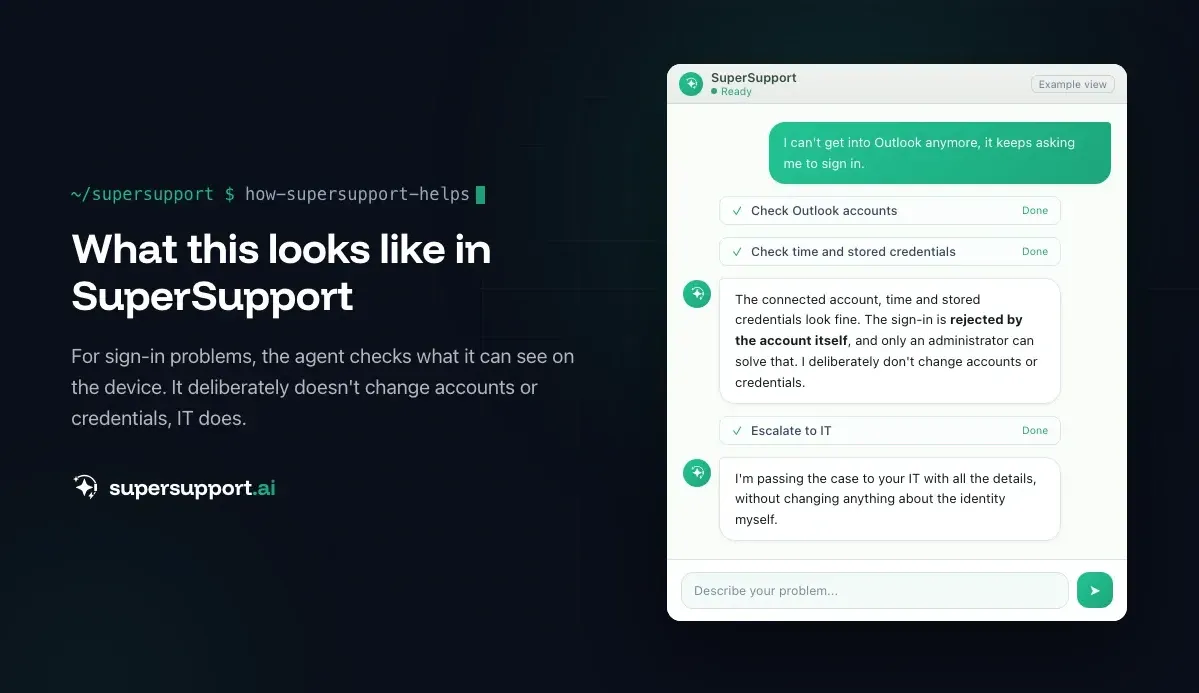
What SuperSupport is, and what it is not
SuperSupport is first-level support on the device. The agent runs on the employee's Windows or Mac computer, checks what is going on there (printer, Outlook, OneDrive, network, updates, storage), fixes harmless things itself and submits anything sensitive to IT for approval.
SuperSupport is not identity management. There is no write connection to Active Directory or Entra ID. Creating accounts, resetting passwords, changing MFA methods, assigning groups: that stays with IT and with the tools built for it.
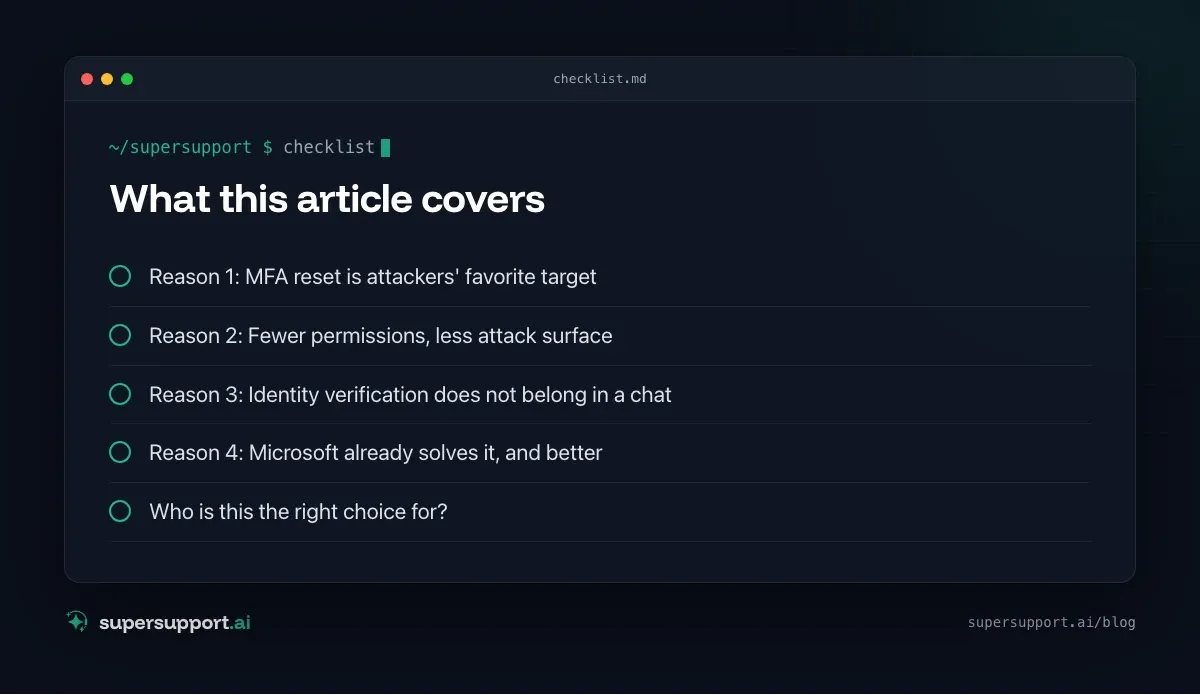
Reason 1: MFA reset is attackers' favorite target
A stolen password list is of little use to attackers as long as MFA is active. That is why they try to defeat the second factor, and the most convenient route is the help desk. Several well-known attacks on large companies began with a phone call: someone posed as an employee and asked for multifactor authentication to be reset.
A chatbot that resets MFA on request makes this attack even easier: no person who might get suspicious, no check back with a manager, available around the clock. See also Unexpected MFA request and Fake Microsoft support.
Reason 2: Fewer permissions, less attack surface
Every system with write access to central user management is a key to the whole company. Whoever compromises it can change passwords, take over accounts and give themselves permissions.
The principle of least privilege also applies to support tools: SuperSupport does not need write access to Entra ID to fix a printer or get Outlook working again, so it does not get it. That fits what insurers and auditors ask about, see Cyber insurance and NIS2.
Reason 3: Identity verification does not belong in a chat
Before a reset, it has to be certain that the employee is really the one asking. A chat window on a computer does not prove that: the computer can be stolen, unlocked or used by someone else. Identity verification is done by Microsoft in self-service password reset with registered methods, or by IT through a callback to a known number, in person or with a time-limited temporary access pass.
Reason 4: Microsoft already solves it, and better
Self-service password reset (SSPR) in Entra ID is built for exactly this. Employees verify themselves with Authenticator, phone or passkey and reset their password on their own, in two minutes, with Microsoft's security checks and logging. An additional AI interface that does the same with more permissions adds no value, only more risk. See Forgot your password? Self-service reset.
What SuperSupport does instead

Beta
IT support that fixes itself.
supersupport.ai handles your 1st-level support fully automatically. Secure your spot on the waitlist now.
Join the Waitlist“I can't get in anymore” is still a first-level case, just solved differently:
- Forgotten password – guides through self-service reset
- Account locked by old credentials – finds and removes old passwords saved on the device that trigger the lockout
- Office/Outlook keeps asking for sign-in – checks connected accounts, time, Credential Manager; see Office sign-in
- New phone, Authenticator gone – guides through the switch as long as the old device is still there; see Authenticator on a new phone
- Only an admin can help – hands the case to IT with all details, without changing anything about the identity itself
The result: most “I can't get in” cases are solved before anyone has to call, and the sensitive ones land with IT fully described instead of being waved through automatically.
Who is this the right choice for?
- Small and midsize businesses that do not want another system with admin rights on their user management.
- MSPs that look after many tenants and do not want to give a bot write permissions in every customer tenant.
- Companies with audit and insurance requirements that have to demonstrate clear roles and few privileged accesses.
If, on the other hand, you want to have every request, including account management, handled fully automatically and build your own identity verification in front of it, a classic AI service desk may serve you better. See rezolve.ai alternative and Moveworks alternative.
What does SuperSupport offer?
SuperSupport takes over first-level IT support via chat, directly on the Windows or Mac device: the agent handles harmless things itself, submits sensitive ones to IT for approval, every step is logged, and every chat is also the case record. How this looks for internal IT teams and MSPs is described on the respective pages.
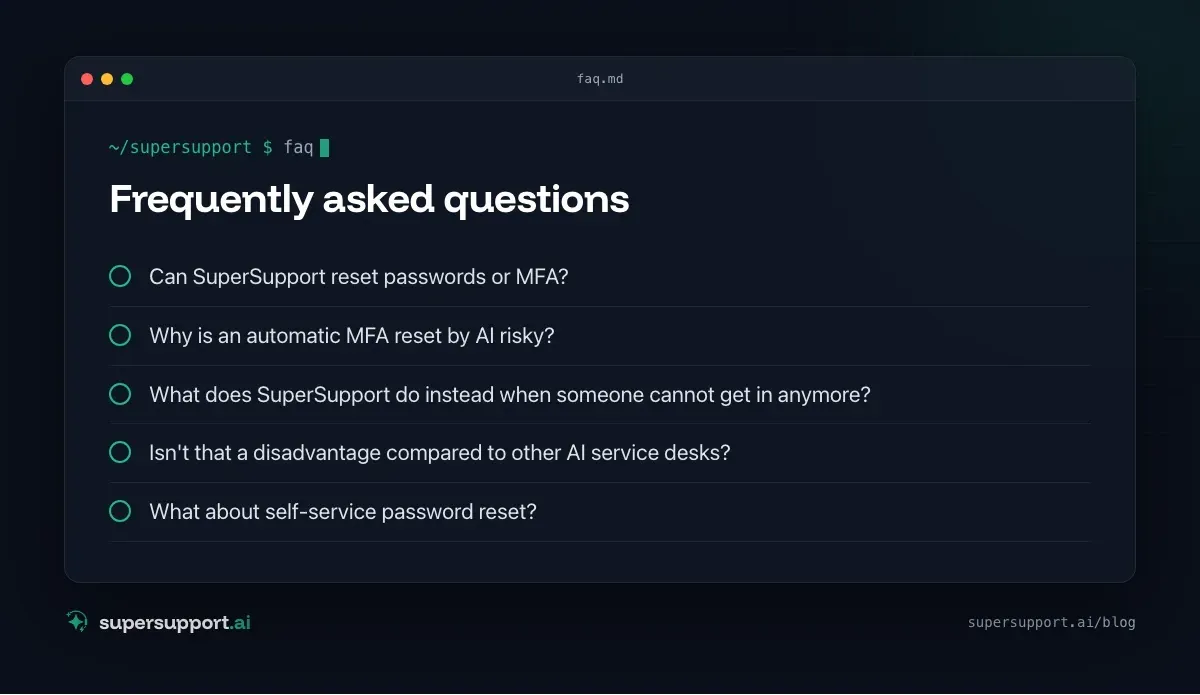
Frequently asked questions
Can SuperSupport reset passwords or MFA?
No, deliberately not. SuperSupport has no write connection to Active Directory or Microsoft Entra ID. Password and MFA resets go through Microsoft's self-service password reset or through IT, with identity verification.
Why is an automatic MFA reset by AI risky?
Because an MFA reset is exactly what attackers want. Well-known attacks on companies began with someone posing as an employee to the help desk and having multifactor authentication reset. A chatbot that does this automatically is an especially convenient target for such deception.
What does SuperSupport do instead when someone cannot get in anymore?
The agent clarifies whether the password was forgotten or expired or the account is locked, removes old saved credentials on the device that trigger lockouts, guides through Microsoft 365 self-service reset, and hands everything that only an administrator can solve to IT with complete details.
Isn't that a disadvantage compared to other AI service desks?
For companies that want to automate every request, maybe. For small and midsize businesses and MSPs it is usually an advantage: fewer permissions for another system, no write access to central user management, a clear separation between support on the device and management of identities.
What about self-service password reset?
It is the right way. Microsoft offers it in Entra ID: employees verify themselves with registered methods and reset their password on their own. That is faster than any chat and uses Microsoft's security checks instead of an additional interface.
Beta
IT support that fixes itself.
supersupport.ai handles your 1st-level support fully automatically. Secure your spot on the waitlist now.
Join the WaitlistTimo Haslberger is Co-Founder & CPO of SuperSupport.ai. He owns the entire product experience: from first user interaction to automated problem resolution. Before co-founding SuperSupport.ai, he saw firsthand how IT teams drown in repetitive tickets. Today he's building the product that changes exactly that.
This article was created with AI assistance and editorially reviewed.
Related Articles
Why SuperSupport Doesn't Deploy Software to All Devices
New version on all 50 PCs by chat with an AI? SuperSupport is deliberately not a tool for fleet-wide software deployment. Rollouts belong in RMM or Intune.

Why SuperSupport Doesn't Restart Servers
Restart servers, reconfigure services, install updates by chat with an AI? SuperSupport deliberately stays out of servers. Why that isn't 1st-level work.
Why SuperSupport Does Not Change Firewall Rules
Open a port or change the VPN via AI chat? SuperSupport deliberately stays out of firewalls and routers. Why, and what the agent does from the workstation.