;}.cls-2{fill:url(%23Unbenannter_Verlauf_5-2);}.cls-3{fill:url(%23Unbenannter_Verlauf_5-5);}.cls-4{fill:url(%23Unbenannter_Verlauf_5-6);}.cls-5{fill:url(%23Unbenannter_Verlauf_5-3);}.cls-6{fill:url(%23Unbenannter_Verlauf_5-4);}%3c/style%3e%3clinearGradient%20id='Unbenannter_Verlauf_5'%20x1='1075.02'%20y1='943.06'%20x2='1201.78'%20y2='943.06'%20gradientUnits='userSpaceOnUse'%3e%3cstop%20offset='0'%20stop-color='%2322b88a'/%3e%3cstop%20offset='1'%20stop-color='%231a9e78'/%3e%3c/linearGradient%3e%3clinearGradient%20id='Unbenannter_Verlauf_5-2'%20x1='234.11'%20y1='663.43'%20x2='1058.29'%20y2='663.43'%20xlink:href='%23Unbenannter_Verlauf_5'/%3e%3clinearGradient%20id='Unbenannter_Verlauf_5-3'%20x1='843.79'%20y1='1064.84'%20x2='1096.04'%20y2='1064.84'%20xlink:href='%23Unbenannter_Verlauf_5'/%3e%3clinearGradient%20id='Unbenannter_Verlauf_5-4'%20x1='1120.37'%20y1='662.1'%20x2='1253'%20y2='662.1'%20xlink:href='%23Unbenannter_Verlauf_5'/%3e%3clinearGradient%20id='Unbenannter_Verlauf_5-5'%20x1='97.45'%20y1='265.53'%20x2='385.89'%20y2='265.53'%20xlink:href='%23Unbenannter_Verlauf_5'/%3e%3clinearGradient%20id='Unbenannter_Verlauf_5-6'%20x1='295.45'%20y1='255.64'%20x2='1213.95'%20y2='255.64'%20xlink:href='%23Unbenannter_Verlauf_5'/%3e%3c/defs%3e%3cpath%20class='cls-1'%20d='M1201.78,871c-.61,1.55-1.23,3.1-1.86,4.66-20.33,50.18-47.14,96.85-80.02,139.45-7.56-13.82-21.78-22.31-37.69-22.31h-7.19c29.82-37.26,54.46-78.02,73.61-121.8h53.15Z'/%3e%3cpath%20class='cls-2'%20d='M665.24,264.59l69.02,186.52c21.3,57.57,66.69,102.96,124.26,124.26l186.52,69.02c17.67,6.54,17.67,31.54,0,38.08l-186.52,69.02c-57.57,21.3-102.96,66.69-124.26,124.26l-69.02,186.52c-6.54,17.67-31.54,17.67-38.08,0l-69.02-186.52c-21.3-57.57-66.69-102.96-124.26-124.26l-186.52-69.02c-17.67-6.54-17.67-31.54,0-38.08l186.52-69.02c57.57-21.3,102.96-66.69,124.26-124.26l69.02-186.52c6.54-17.67,31.54-17.67,38.08,0Z'/%3e%3cpath%20class='cls-5'%20d='M1082.21,1021.98h-79.13c-1.7,0-2.97-1.56-2.62-3.23l22.72-109.35c2.94-14.16-15.11-22.74-24.23-11.51l-152.04,187.31c-7.32,9.02-.9,22.5,10.72,22.5h79.13c1.7,0,2.97,1.56,2.62,3.23l-22.72,109.35c-2.94,14.16,15.11,22.74,24.23,11.51l152.04-187.31c7.32-9.02.9-22.5-10.72-22.5Z'/%3e%3crect%20class='cls-6'%20x='1120.37'%20y='486.36'%20width='132.63'%20height='351.48'%20rx='19.58'%20ry='19.58'/%3e%3cpath%20class='cls-3'%20d='M250.58,128.27l13.88,55.81c7.19,28.91,29.76,51.47,58.66,58.66l55.81,13.88c9.29,2.31,9.29,15.51,0,17.82l-55.81,13.88c-28.91,7.19-51.47,29.76-58.66,58.66l-13.88,55.81c-2.31,9.29-15.51,9.29-17.82,0l-13.88-55.81c-7.19-28.91-29.76-51.47-58.66-58.66l-55.81-13.88c-9.29-2.31-9.29-15.51,0-17.82l55.81-13.88c28.91-7.19,51.47-29.76,58.66-58.66l13.88-55.81c2.31-9.29,15.51-9.29,17.82,0Z'/%3e%3cpath%20class='cls-4'%20d='M1213.95,453.21h-67.62c-1.23,0-2.47.04-3.67.12-27.03-63.89-65.84-121.36-115.42-170.94-51.54-51.54-111.61-91.44-178.55-118.59-64.67-26.22-133.03-39.52-203.16-39.52s-138.48,13.3-203.16,39.52c-33.73,13.67-65.72,30.61-95.75,50.63l-.19-.05c-23.62-5.88-42.51-22.85-51-45.24,37.87-26.86,78.65-49.21,122.01-66.79,72.63-29.44,149.37-44.38,228.08-44.38s155.45,14.93,228.08,44.38c75.2,30.51,142.67,75.31,200.53,133.15,57.84,57.85,102.65,125.33,133.15,200.53,2.31,5.7,4.54,11.43,6.66,17.19Z'/%3e%3c/svg%3e)
Why SuperSupport Does Not Manage Users and Licenses
New hire, new license, new group via AI chat? SuperSupport deliberately creates no accounts and assigns no licenses. Why, and what the agent does instead.

If you let people create accounts by chat, you also let people take them over by chat.
“Please create an account for our new colleague and give her Business Premium.” Some AI service desks promise to do exactly that by chat: create the account, assign the license, add groups, done. SuperSupport deliberately does not do this. As with passwords (see Why SuperSupport does not reset passwords), there are good reasons.
What first level is, and what it is not
First-level support solves problems an employee has with their device and their programs. The printer does not print, Outlook hangs, OneDrive does not sync, the Teams camera does not work. That is what the SuperSupport agent runs on the Windows or Mac device for.
User management is administration. Who gets an account, which license, which groups, which shares: those are decisions about costs, permissions and data. They belong with IT or the MSP and with tools built for it.
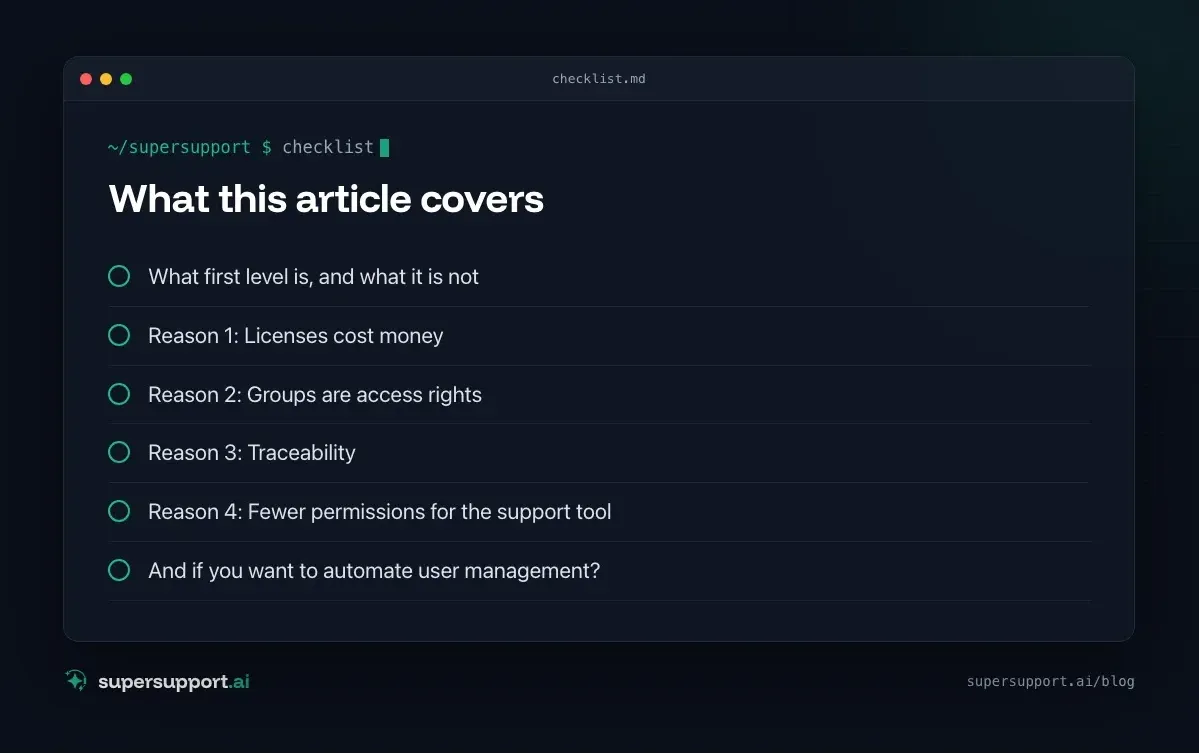
Reason 1: Licenses cost money
Every assigned license shows up on the next invoice. A bot that hands out Business Premium, E5 or add-on licenses on request moves budget decisions into a chat window. Who gets which license should be decided deliberately. See Choosing a Microsoft 365 license and Planning your IT budget.
Reason 2: Groups are access rights
A group in Entra ID is often a key: to the accounting library, to the management team, to a business application. Whoever gets into the “Accounting” group by chat has access to data they perhaps should not see. Such changes need approval from someone who knows the consequences.
Reason 3: Traceability
Auditors, insurers and NIS2 ask: Who granted which permissions when, and why? The answer “the chatbot, because someone asked” is not enough. Granting accounts and permissions belongs in a documented process. See Automating onboarding and offboarding and NIS2 for MSPs.
Reason 4: Fewer permissions for the support tool
A system that can create users and assign licenses needs far-reaching administrator rights in the tenant. For an MSP with many customers, that would mean one more privileged account in every customer tenant. SuperSupport does not need these rights to handle first level, so it does not get them.
What SuperSupport does instead
- Task: New employee – Who: IT / MSP; What the agent contributes: collects all details in the chat (start, role, programs, mailboxes, device) and hands over a complete case
- Task: First working day – Who: Agent; What the agent contributes: answers questions on the device (printer, OneDrive, Teams, VPN); see IT checklist for new employees
- Task: Additional license/software – Who: IT / management; What the agent contributes: records the request with a justification instead of fulfilling it itself
- Task: Employee leaves – Who: IT / MSP; What the agent contributes: records cutoff date, forwarding, successor, files; see Mailbox of a departed employee
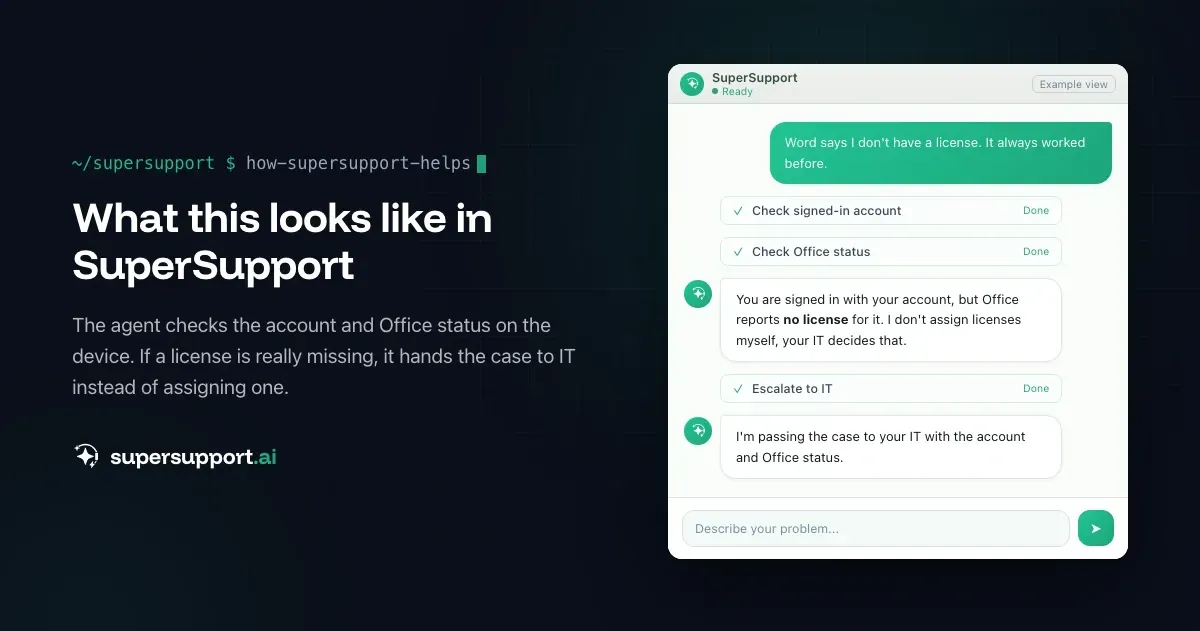
- Task: “Office says no license” – Who: Agent + IT; What the agent contributes: checks the account and Office status on the device, hands over if a license is really missing
That way, IT does not get a “The new person needs something” but a complete order, and the decision stays where it belongs.

Beta
IT support that fixes itself.
supersupport.ai handles your 1st-level support fully automatically. Secure your spot on the waitlist now.
Join the WaitlistAnd if you want to automate user management?
There are suitable ways to do that, with fixed rules instead of free-form chat requests:
- Group-based licensing in Entra ID: whoever is in the “Sales” group automatically gets the matching license.
- Templates and lifecycle workflows for joiners and leavers.
- The MSP's automation in the RMM or PSA. See NinjaOne alternative or complement.
SuperSupport complements this: the agent makes sure the request arrives complete and helps the employee afterward on the device.
What does SuperSupport offer?
SuperSupport takes over first-level IT support via chat, directly on the Windows or Mac device: the agent handles harmless things itself, submits sensitive ones to IT for approval, every step is logged, and every chat is also the case record. Multi-tenant for MSPs. How this looks for internal IT teams and MSPs is described on the respective pages.
Frequently asked questions
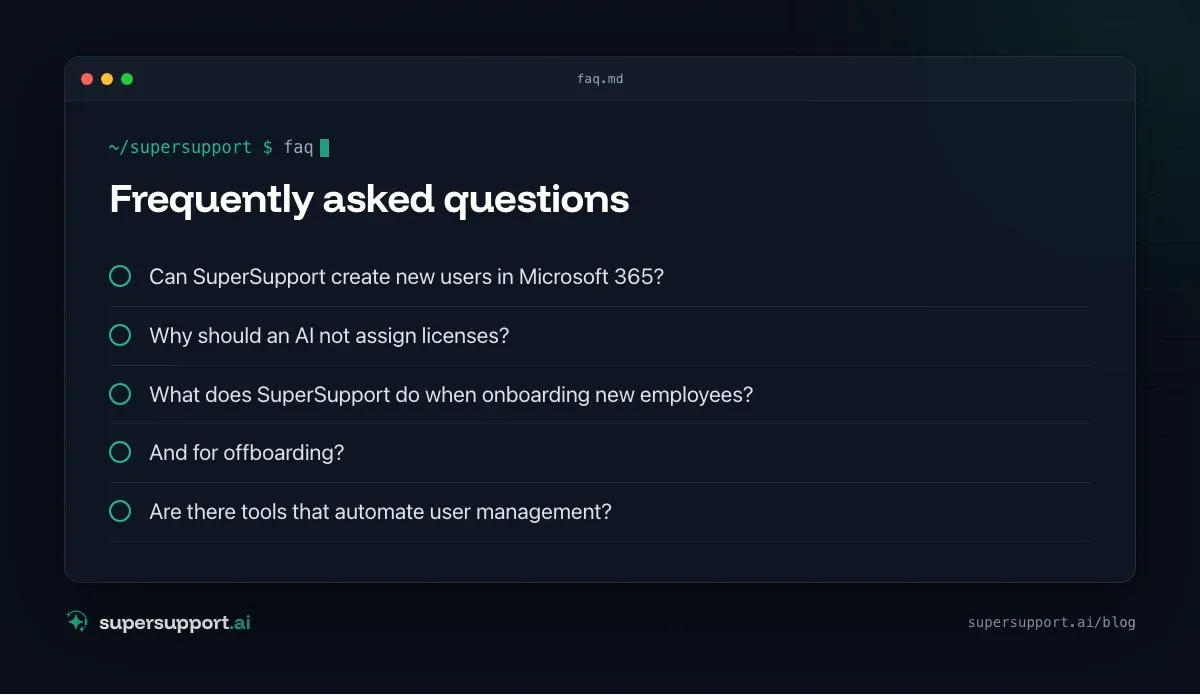
Can SuperSupport create new users in Microsoft 365?
No, deliberately not. SuperSupport has no write access to Active Directory, Entra ID or the Microsoft 365 admin center. IT manages accounts, licenses and groups, with the tools built for it.
Why should an AI not assign licenses?
Because every license costs money and means access to data. Who gets which license, which group and which share is a decision for management or the department, and it should be documented in a traceable way. It should not be the result of a chat request.
What does SuperSupport do when onboarding new employees?
In the chat, the agent collects all the details IT needs (name, start date, role, required programs, mailboxes, drives, device) and hands over a complete case. From the first working day, it answers the typical questions on the new employee's device.
And for offboarding?
Here too, the agent takes the request in full (cutoff date, forwarding, successor, files, device return) and passes it to IT. IT blocks the accounts and removes the licenses.
Are there tools that automate user management?
Yes, for example group-based licensing in Entra ID, lifecycle workflows, templates in the admin center or the IT service provider's automation. They work with fixed rules and approvals instead of free-form chat requests.
Beta
IT support that fixes itself.
supersupport.ai handles your 1st-level support fully automatically. Secure your spot on the waitlist now.
Join the WaitlistTimo Haslberger is Co-Founder & CPO of SuperSupport.ai. He owns the entire product experience: from first user interaction to automated problem resolution. Before co-founding SuperSupport.ai, he saw firsthand how IT teams drown in repetitive tickets. Today he's building the product that changes exactly that.
This article was created with AI assistance and editorially reviewed.
Related Articles
Why SuperSupport Doesn't Deploy Software to All Devices
New version on all 50 PCs by chat with an AI? SuperSupport is deliberately not a tool for fleet-wide software deployment. Rollouts belong in RMM or Intune.

Why SuperSupport Doesn't Restart Servers
Restart servers, reconfigure services, install updates by chat with an AI? SuperSupport deliberately stays out of servers. Why that isn't 1st-level work.
Why SuperSupport Does Not Change Firewall Rules
Open a port or change the VPN via AI chat? SuperSupport deliberately stays out of firewalls and routers. Why, and what the agent does from the workstation.