;}.cls-2{fill:url(%23Unbenannter_Verlauf_5-2);}.cls-3{fill:url(%23Unbenannter_Verlauf_5-5);}.cls-4{fill:url(%23Unbenannter_Verlauf_5-6);}.cls-5{fill:url(%23Unbenannter_Verlauf_5-3);}.cls-6{fill:url(%23Unbenannter_Verlauf_5-4);}%3c/style%3e%3clinearGradient%20id='Unbenannter_Verlauf_5'%20x1='1075.02'%20y1='943.06'%20x2='1201.78'%20y2='943.06'%20gradientUnits='userSpaceOnUse'%3e%3cstop%20offset='0'%20stop-color='%2322b88a'/%3e%3cstop%20offset='1'%20stop-color='%231a9e78'/%3e%3c/linearGradient%3e%3clinearGradient%20id='Unbenannter_Verlauf_5-2'%20x1='234.11'%20y1='663.43'%20x2='1058.29'%20y2='663.43'%20xlink:href='%23Unbenannter_Verlauf_5'/%3e%3clinearGradient%20id='Unbenannter_Verlauf_5-3'%20x1='843.79'%20y1='1064.84'%20x2='1096.04'%20y2='1064.84'%20xlink:href='%23Unbenannter_Verlauf_5'/%3e%3clinearGradient%20id='Unbenannter_Verlauf_5-4'%20x1='1120.37'%20y1='662.1'%20x2='1253'%20y2='662.1'%20xlink:href='%23Unbenannter_Verlauf_5'/%3e%3clinearGradient%20id='Unbenannter_Verlauf_5-5'%20x1='97.45'%20y1='265.53'%20x2='385.89'%20y2='265.53'%20xlink:href='%23Unbenannter_Verlauf_5'/%3e%3clinearGradient%20id='Unbenannter_Verlauf_5-6'%20x1='295.45'%20y1='255.64'%20x2='1213.95'%20y2='255.64'%20xlink:href='%23Unbenannter_Verlauf_5'/%3e%3c/defs%3e%3cpath%20class='cls-1'%20d='M1201.78,871c-.61,1.55-1.23,3.1-1.86,4.66-20.33,50.18-47.14,96.85-80.02,139.45-7.56-13.82-21.78-22.31-37.69-22.31h-7.19c29.82-37.26,54.46-78.02,73.61-121.8h53.15Z'/%3e%3cpath%20class='cls-2'%20d='M665.24,264.59l69.02,186.52c21.3,57.57,66.69,102.96,124.26,124.26l186.52,69.02c17.67,6.54,17.67,31.54,0,38.08l-186.52,69.02c-57.57,21.3-102.96,66.69-124.26,124.26l-69.02,186.52c-6.54,17.67-31.54,17.67-38.08,0l-69.02-186.52c-21.3-57.57-66.69-102.96-124.26-124.26l-186.52-69.02c-17.67-6.54-17.67-31.54,0-38.08l186.52-69.02c57.57-21.3,102.96-66.69,124.26-124.26l69.02-186.52c6.54-17.67,31.54-17.67,38.08,0Z'/%3e%3cpath%20class='cls-5'%20d='M1082.21,1021.98h-79.13c-1.7,0-2.97-1.56-2.62-3.23l22.72-109.35c2.94-14.16-15.11-22.74-24.23-11.51l-152.04,187.31c-7.32,9.02-.9,22.5,10.72,22.5h79.13c1.7,0,2.97,1.56,2.62,3.23l-22.72,109.35c-2.94,14.16,15.11,22.74,24.23,11.51l152.04-187.31c7.32-9.02.9-22.5-10.72-22.5Z'/%3e%3crect%20class='cls-6'%20x='1120.37'%20y='486.36'%20width='132.63'%20height='351.48'%20rx='19.58'%20ry='19.58'/%3e%3cpath%20class='cls-3'%20d='M250.58,128.27l13.88,55.81c7.19,28.91,29.76,51.47,58.66,58.66l55.81,13.88c9.29,2.31,9.29,15.51,0,17.82l-55.81,13.88c-28.91,7.19-51.47,29.76-58.66,58.66l-13.88,55.81c-2.31,9.29-15.51,9.29-17.82,0l-13.88-55.81c-7.19-28.91-29.76-51.47-58.66-58.66l-55.81-13.88c-9.29-2.31-9.29-15.51,0-17.82l55.81-13.88c28.91-7.19,51.47-29.76,58.66-58.66l13.88-55.81c2.31-9.29,15.51-9.29,17.82,0Z'/%3e%3cpath%20class='cls-4'%20d='M1213.95,453.21h-67.62c-1.23,0-2.47.04-3.67.12-27.03-63.89-65.84-121.36-115.42-170.94-51.54-51.54-111.61-91.44-178.55-118.59-64.67-26.22-133.03-39.52-203.16-39.52s-138.48,13.3-203.16,39.52c-33.73,13.67-65.72,30.61-95.75,50.63l-.19-.05c-23.62-5.88-42.51-22.85-51-45.24,37.87-26.86,78.65-49.21,122.01-66.79,72.63-29.44,149.37-44.38,228.08-44.38s155.45,14.93,228.08,44.38c75.2,30.51,142.67,75.31,200.53,133.15,57.84,57.85,102.65,125.33,133.15,200.53,2.31,5.7,4.54,11.43,6.66,17.19Z'/%3e%3c/svg%3e)
Why SuperSupport Does Not Take Over Your Screen
Some AI agents click through the screen like a human. SuperSupport does not take over mouse and keyboard but runs targeted, logged checks. Why it is safer.

An AI agent that takes over the mouse also clicks where it should not.
AI agents that click through windows like a human are a big topic right now: the AI sees the screen, moves the mouse, types into fields. For IT support that sounds tempting, remote support without any technician. SuperSupport deliberately takes a different path. This is part of the series in which we explain what we deliberately do not do: resetting passwords, managing users, changing firewall rules, restarting servers, distributing software to all devices.
How the agent works instead
Not through the screen, but with targeted checks and commands on the device:
- Read the printer status and queue. See Printer offline on Windows.
- Measure processes, memory and CPU load. See Laptop slow in use.
- Read Event Viewer and update history. See Blue screen on Windows.
- Restart a hanging service. See Print Spooler will not restart.
Every step is limited in scope, explained in the chat, approved beforehand if it is sensitive, and recorded in the log.
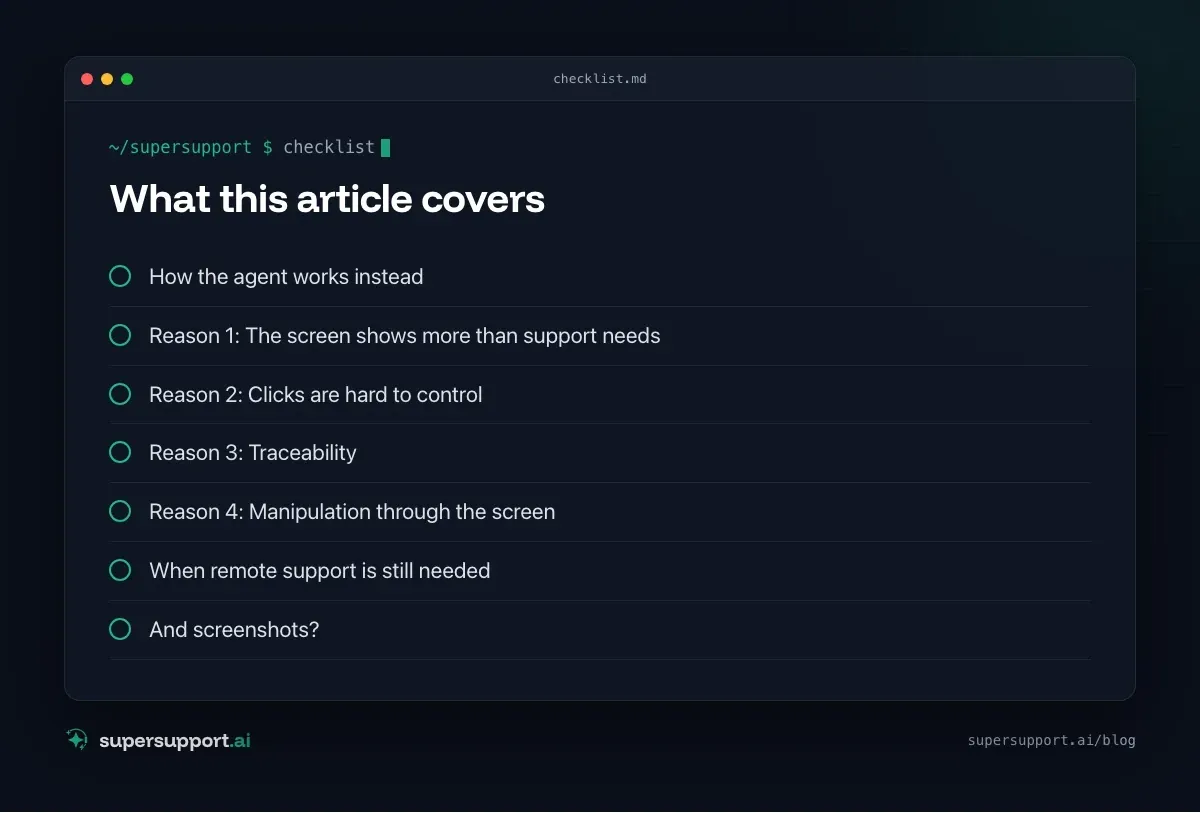
Reason 1: The screen shows more than support needs
Whoever sees the screen sees everything that is open: emails, customer data, personnel files, online banking. For the question “Why won't the printer print?”, nobody needs this information. Targeted checks read only what belongs to the problem. See GDPR in AI support.
Reason 2: Clicks are hard to control
A command “restart Print Spooler” is unambiguous. A sequence of clicks on buttons is not: a window opens differently, a message appears, a click hits the wrong thing. With an AI that controls the screen, it is hard to predict what it will click next, and hard to approve that beforehand.
Reason 3: Traceability
SuperSupport's log shows which command was run with which result. With screen control, at best there is a video. For IT, auditors and insurers, a readable log is far more valuable. See Cyber insurance.
Reason 4: Manipulation through the screen
What is on the screen can be influenced by an attacker: a prepared web page, an email with hidden instructions, a fake dialog window. An AI that reads and clicks what it sees is easier to mislead than an agent that works with fixed commands and approvals. See also Fake Microsoft support.
When remote support is still needed
SuperSupport reduces remote support sessions but does not replace them completely. A technician on the screen remains useful for:
- complex setups, such as specialist software with many dialogs,
- programs without an interface that can only be operated through the user interface,
- training and working together on the device.

Beta
IT support that fixes itself.
supersupport.ai handles your 1st-level support fully automatically. Secure your spot on the waitlist now.
Join the WaitlistThere are proven tools for that. See TeamViewer, AnyDesk and Splashtop. SuperSupport complements them: many requests are resolved before anyone has to set up a session.
And screenshots?
If the employee sends a screenshot in the chat, the agent can interpret the error message on it. See Take a screenshot.
What does SuperSupport offer?
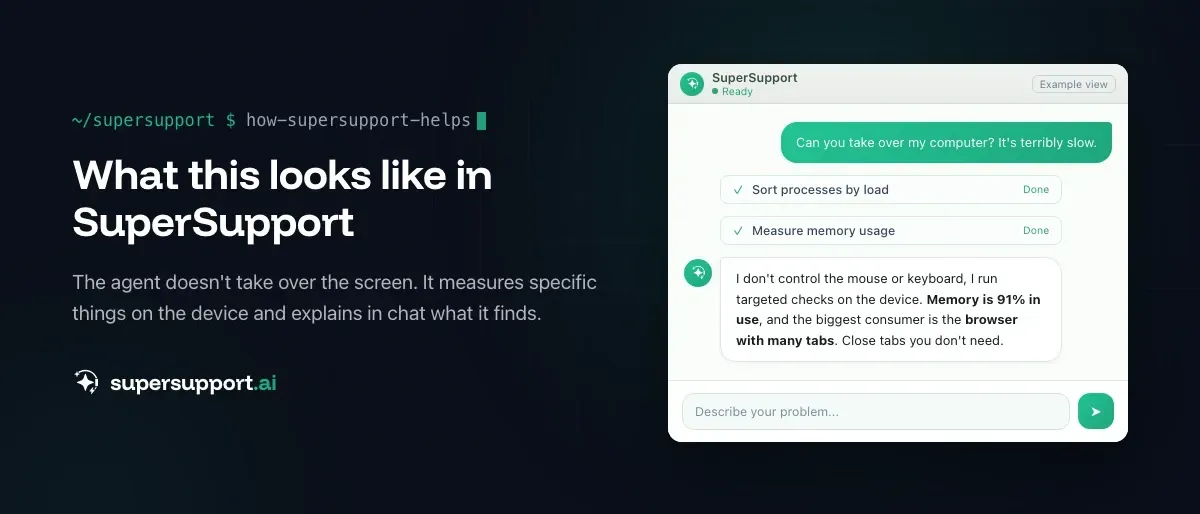
SuperSupport takes over first-level IT support via chat, directly on the Windows or Mac device: the agent handles harmless things itself, submits sensitive ones to IT for approval, every step is logged, and every chat is also the case record. How this looks for internal IT teams and MSPs is described on the respective pages.
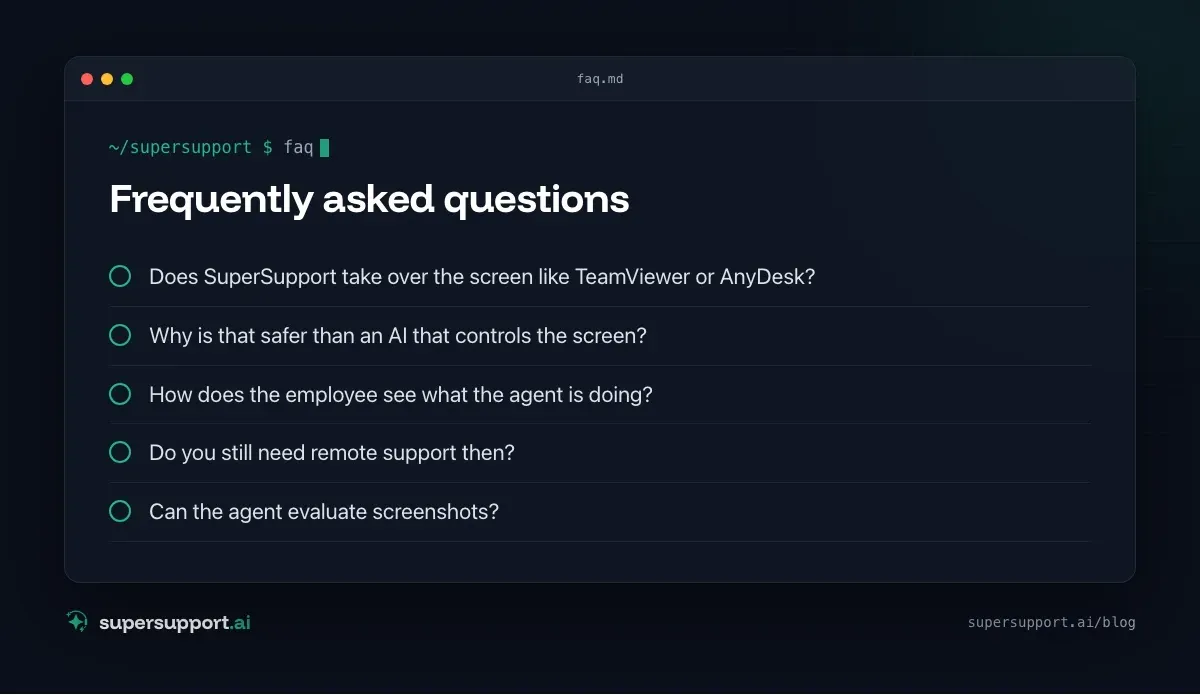
Frequently asked questions
Does SuperSupport take over the screen like TeamViewer or AnyDesk?
No, deliberately not. The agent moves neither mouse nor keyboard and does not click through windows. It runs targeted checks and commands on the device, such as reading the printer status, restarting a service or measuring storage, and every step is logged.
Why is that safer than an AI that controls the screen?
Because screen control can see and click everything the employee currently has open: emails, customer data, online banking. Targeted commands are limited in scope, traceable and can be approved before they run.
How does the employee see what the agent is doing?
In the chat. The agent explains what it wants to check, shows the result and asks before sensitive steps. The log shows every step that was run, for the employee and for IT.
Do you still need remote support then?
Yes, for cases where a technician has to work on the screen themselves, such as complex setups, training on the device or programs without an interface. SuperSupport reduces the number of these sessions but does not replace remote support completely.
Can the agent evaluate screenshots?
If the employee sends a screenshot in the chat, the agent can interpret the error message on it.
Beta
IT support that fixes itself.
supersupport.ai handles your 1st-level support fully automatically. Secure your spot on the waitlist now.
Join the WaitlistTimo Haslberger is Co-Founder & CPO of SuperSupport.ai. He owns the entire product experience: from first user interaction to automated problem resolution. Before co-founding SuperSupport.ai, he saw firsthand how IT teams drown in repetitive tickets. Today he's building the product that changes exactly that.
This article was created with AI assistance and editorially reviewed.
Related Articles
Why SuperSupport Doesn't Deploy Software to All Devices
New version on all 50 PCs by chat with an AI? SuperSupport is deliberately not a tool for fleet-wide software deployment. Rollouts belong in RMM or Intune.

Why SuperSupport Doesn't Restart Servers
Restart servers, reconfigure services, install updates by chat with an AI? SuperSupport deliberately stays out of servers. Why that isn't 1st-level work.
Why SuperSupport Does Not Change Firewall Rules
Open a port or change the VPN via AI chat? SuperSupport deliberately stays out of firewalls and routers. Why, and what the agent does from the workstation.